

The short answer: In due diligence, check whether the target's CRM supports the numbers in the deck and how much work it will take to integrate. Look at duplicate customer records, open deals with past close dates and repeatedly pushed close dates, records owned by people who have left, the completeness of the fields that drive reporting, how pipeline stages and ARR are defined, and whether CRM customers and revenue reconcile to billing. Before requesting anything customer-specific, ask deal counsel what you can see before close.
Standard sales diligence reviews pipeline size, win rates, deal velocity, and quota attainment. Those metrics all come out of the CRM, and they are only as reliable as the data behind them. This checklist is about testing that data. It is written for deal teams, operating partners, and the RevOps lead who will inherit the integration, and it fits into the broader CRM consolidation playbook for private equity roll-ups.
Why the CRM belongs in diligence
The CRM affects a deal in three ways.
It backs the growth story. Pipeline coverage, forecast accuracy, and net retention in the management presentation usually come from CRM reports. If the underlying records are duplicated, stale, or defined loosely, the reported numbers overstate what is there.
It sets the integration cost. A clean CRM with standard stages can move into the platform in weeks. One with heavy duplication, broken hierarchies, and years of undocumented automation can take months, and that time comes out of the value creation plan.
It holds the cross-sell list. If part of the thesis is selling into the target's customers, you need to know who those customers are and which ones you already share. That list comes from matching two CRMs, and its quality depends on the target's data.
Before you look: handle customer data carefully
If the buyer and target compete, or might, customer lists and customer-specific pricing are competitively sensitive. The FTC's guidance for pre-merger diligence recommends masking customer names, sharing aggregated data, using third parties to collect and analyze information, and limiting detailed access to a clean team of people who are not involved in pricing or sales decisions. Ask deal counsel before requesting a full CRM export.
In practice, most of the checks below work fine on aggregates. You can learn the duplicate rate, the share of open deals with past close dates, and field completeness without seeing a single customer name. Customer-level matching for overlap analysis can run inside a clean team or through a third party, with only the summary shared until close.
What to ask the target for
- Aggregated CRM reports built to your spec (the checks below), or read-only access for a clean team or third party.
- A full export if counsel approves. Salesforce admins can generate one from the Data Export service in Setup; HubSpot lets users export records from any object view.
- The list of pipeline stages with the entry criteria for each.
- The written definitions of ARR, churn, and a "customer," and which fields hold them.
- The list of integrations that write to the CRM.
- The list of active users and their roles, and the number of records owned by inactive users.
The CRM due diligence checklist
1. Duplicate accounts and contacts
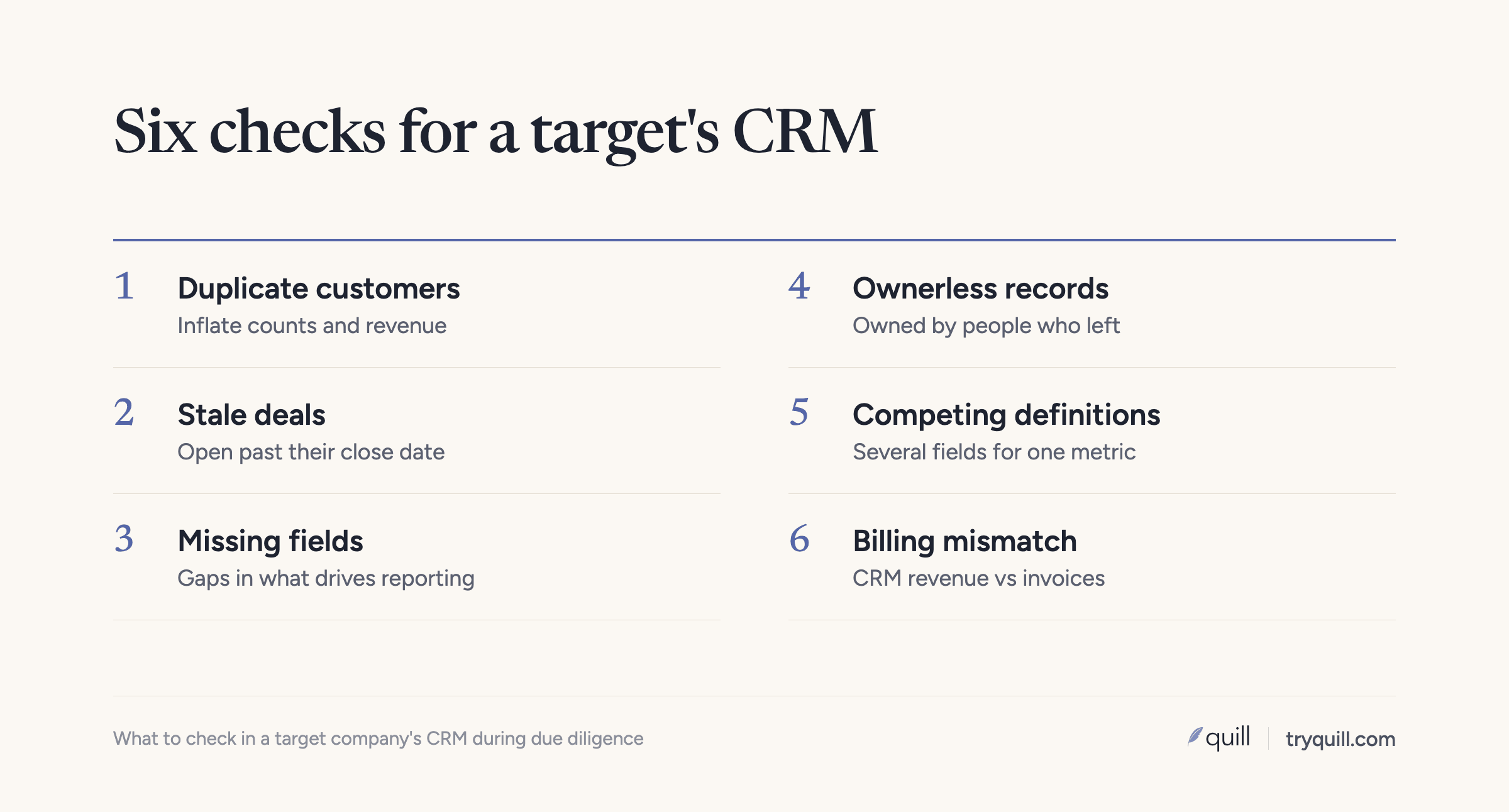
Ask for the number of accounts that share a root website domain or a normalized name, and the number of contacts that share an email address. The rate matters less than where the duplicates sit. Duplicates among old prospects are untidy. Duplicates among customers inflate customer counts, split revenue across records, and cause reps to prospect accounts that already buy.
Ask what created them, too. If an enrichment tool, a list import, or a form integration is creating new duplicates every week, the problem will follow the data into your CRM.
2. Stale and pushed deals in the open pipeline
Check the share of open opportunities with a close date in the past, the share with no activity in the last 60 or 90 days, and the average age of deals in each stage compared with the target's typical sales cycle.
Then check how often close dates move. Salesforce records every change to an opportunity's stage, amount, probability, and close date in opportunity history automatically, and HubSpot keeps a property history on each deal that can be viewed or exported. A deal whose close date has moved three or more times usually has a close date nobody believes. Pipeline that is old, inactive, or repeatedly pushed should be discounted before you use it to judge coverage.
3. Stage definitions and how consistently they are used
Get the written entry criteria for each stage and compare them with what the records show. If a stage called "Proposal" contains deals with no proposal document, no amount, and no contact role, the stage names don't mean what the report implies. This is also the first thing you will need to map when the target moves into your CRM, so doing it now saves time later.
4. Ownership
Count accounts and open opportunities owned by inactive users. A high number usually means reps left and their books were never reassigned, which leaves customers without an owner and pipeline nobody is working. Check how territories and ownership rules work and whether they are documented, because you will have to merge them with yours.
5. Completeness of the fields that drive reporting
Pick the fields that feed the numbers in the deck: amount, close date, stage, account type, industry, segment, region, and the ARR and renewal fields. Measure how many records have each one filled in and how many use valid values.
Judge gaps against the business model. One team we work with had hundreds of opportunities with no amount, and it didn't matter, because they bill on usage and never forecast from opportunity amounts. What matters is whether the fields the target reports from are complete.
6. Competing definitions of the same thing
Look for several fields that hold the same concept. It is common to find three or four industry fields on one object, or several ARR fields, each created by a different team for its own report. One of our customers found exactly that, and a related problem: teams used different churn definitions, which left a seven-figure gap between two sets of reported numbers until someone reconciled them. Ask which field is authoritative for each metric in the deck, and who decided.
7. Reconciliation to billing and finance
Compare the CRM's count of active customers and its closed-won revenue with billing or the general ledger for the same period. Check whether each billing customer links to one CRM account through a stable ID. If revenue in the CRM and revenue in finance don't tie out, find out why before you rely on either.
8. Account hierarchies
Check whether parent and subsidiary accounts are linked. If a large customer appears as several unconnected accounts, both the customer concentration analysis and the overlap analysis will be wrong. Hierarchies also decide how the target's accounts will attach to yours after the merge.
9. Automation, custom fields, and integrations
Count custom fields, active workflows or flows, and integrations that write to the CRM. Look for fields that are rarely filled in and automation built by people who have since left. Ask whether anyone can say what would break if a given workflow were turned off. Undocumented dependencies are what make integration slow, and they are much cheaper to find in diligence than during cutover.
10. Contact freshness
Check the share of contacts with bounced emails, no activity in over a year, or job titles and companies that no longer match. Contact data decays as people change jobs, and a large stale share means the marketing database is smaller than its record count suggests.
What the findings mean for the deal
| Finding | What it usually means |
|---|---|
| High duplicate rate among customers | Customer count and revenue per customer may be overstated; overlap analysis needs more review time |
| Many open deals past close date or pushed repeatedly | Pipeline coverage is lower than reported; discount it in the model |
| Records owned by inactive users | Customers without an owner; ownership work needed before cutover |
| Several fields for the same metric | Reported numbers depend on which field was used; ask which one the deck used |
| CRM revenue doesn't reconcile to billing | Finance and CRM links need repair before combined reporting is trustworthy |
| Heavy undocumented automation | Longer integration; plan for an audit before migrating |
None of these on its own usually changes whether you do the deal. Together they tell you how far to trust the reported pipeline, how long integration will take, and where to start on day one.
Use diligence to start integration early
The same work that tests the data is the first phase of integration. The duplicate counts become your cleanup scope. The stage definitions become your mapping. The customer list, matched against yours in a clean team, becomes the overlap analysis for the cross-sell plan, covered in how to find shared customers after an acquisition. If both companies run Salesforce, the matching approach in how to deduplicate accounts across two Salesforce orgs applies directly.
How Quill helps
Quill's agents can profile a target's Salesforce or HubSpot data and report duplicates, stale pipeline, ownership gaps, field completeness, and hierarchy problems, in aggregate form suitable for diligence. After close, the same agents match customers across both CRMs, apply your survivorship rules, and prepare the data to move, with evidence behind every proposed change and a person approving it. See CRM Migration or Merger and Quill for private equity, or book 15 minutes to talk through a deal in progress.
This post is general information, not legal advice. Talk to your own deal counsel about what you can request, share, and review before a deal closes.
Frequently asked questions
What CRM data should you review in due diligence?
Review duplicate customer records, open deals with past or repeatedly pushed close dates, records owned by inactive users, completeness of the fields that drive reporting, stage and ARR definitions, and whether CRM revenue reconciles to billing. Together these show how reliable the reported pipeline is and how much integration work to expect.
Can a buyer see the target's customer list before closing?
That is a question for deal counsel. When the companies compete, customer-specific information is competitively sensitive, and the FTC's guidance describes approaches such as masking names, sharing aggregated data, and using clean teams or third parties.
How do you tell if a target's pipeline is inflated?
Check the share of open deals with close dates in the past, the share with no recent activity, stage ages longer than the normal sales cycle, and how many times each deal's close date has moved. Salesforce opportunity history and HubSpot property history both record close date changes, so you can measure this directly.
How much does CRM data quality affect integration time?
A lot. Most CRM integration time goes into matching customers, cleaning duplicates, and mapping definitions, not moving records. A target with heavy duplication, undocumented automation, or broken hierarchies will take noticeably longer to integrate than one with clean, well-defined data.
Who should run CRM due diligence?
A clean team or third party should handle anything customer-specific, working with the RevOps or systems lead who will own the integration. The deal team needs the summary: how far to trust the pipeline and how long integration will take.