

The short answer: Before you launch an Agentforce agent, fix the Salesforce data that agent will read and act on: duplicate accounts and contacts, blank or inconsistent fields that its actions filter on, stale open records, broken account hierarchies and contact links, and knowledge articles that conflict or are out of date. Scope the work to each agent's subagents (Salesforce's name for what it used to call topics) and actions, check what the agent user can see, and keep measuring the same records after launch.
What Agentforce needs before data quality even comes up
There are platform prerequisites to clear first. Salesforce's Trailhead material says Data 360 (formerly Data Cloud) must be provisioned and enabled for all Agentforce use, and that features such as the Agentforce Data Library and the Einstein Trust Layer don't work without it. Depending on your edition and the agent type, you also need Einstein generative AI turned on, the right Agentforce licenses and permission sets, and, for service agents, an agent user.
Those steps get the agent running. They don't tell you whether it will give correct answers. That depends on the records.
How Agentforce uses your Salesforce data
An Agentforce agent is organized into subagents, which Salesforce called topics until April 2026 (you will still see both terms in the docs and the UI). Each subagent has instructions and a set of actions. Actions are built on flows, Apex, prompt templates, and APIs. When a customer asks about an order, the agent runs an action that queries records and returns fields, then writes an answer from them. Knowledge articles and files are indexed through the Agentforce Data Library and retrieved when the agent needs to answer a policy or how-to question.
Two things follow from that design:
- The agent answers from the specific records and fields its actions return. If the action finds the wrong account out of two duplicates, or returns a blank field, the answer is wrong or empty, and the agent has no way to know.
- What the agent can see depends on which user it runs as. Service agents that talk to unauthenticated customers run as a dedicated agent user, which starts with minimal access. Salesforce Ben's guide to Agentforce permissions points out that verifying a customer's identity doesn't by itself restrict which records the agent can retrieve. You have to filter the actions on the verified identity. Employee-facing agents used by logged-in staff run with that person's permissions.
This is why teams that report Agentforce "hallucinating" often find a data cause. Salesforce Ben reported that when Salesforce's own help agent returned inconsistent answers, the cause turned out to be conflicting knowledge articles.
Start with each agent's subagents and actions
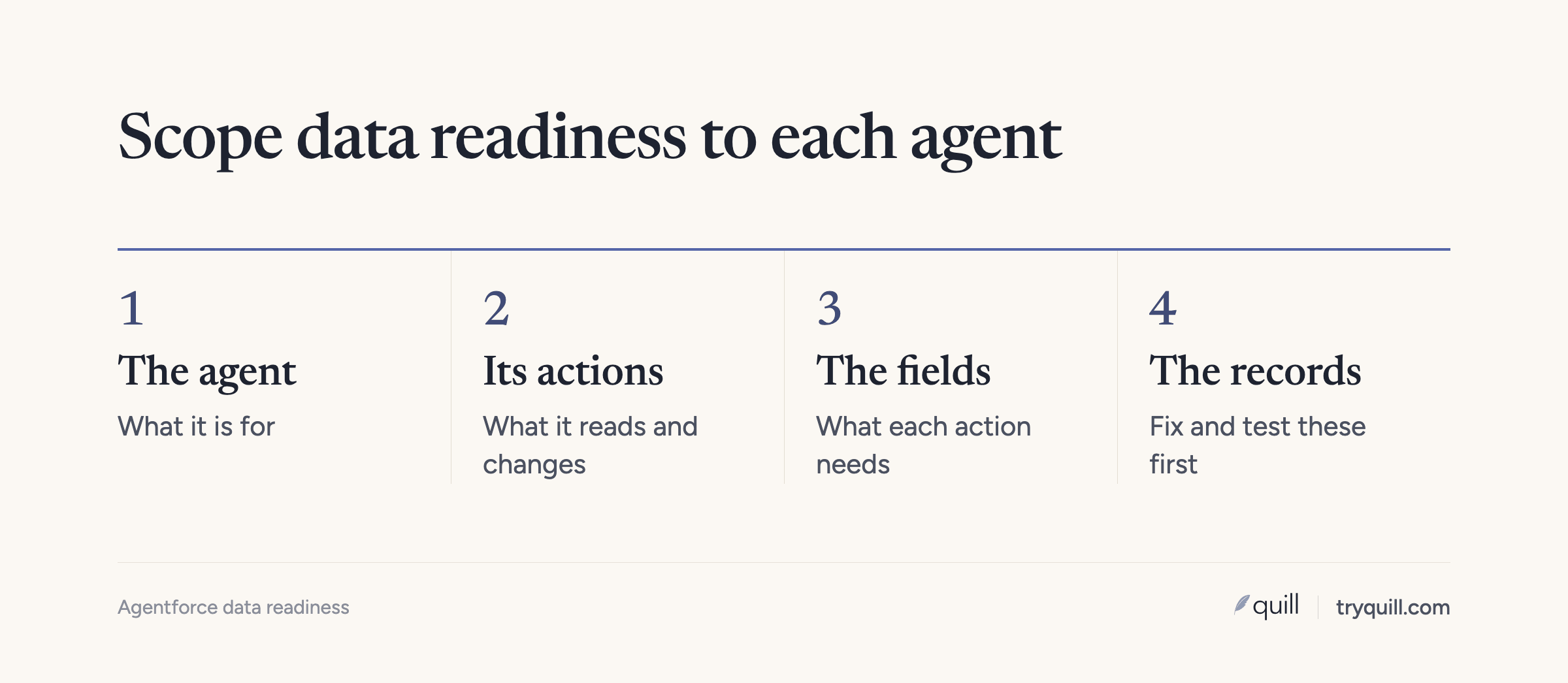
Before touching data, write down for each agent:
- Its subagents and what each one decides or answers. For example: order status, return eligibility, account summary for a rep, lead qualification.
- Every action and the records it queries. Open each flow or Apex class and list the objects, the filter criteria, and the fields returned.
- The knowledge it grounds on. Which article types, which data categories, which files.
- What it writes. Cases created, fields updated, tasks logged.
That list is your readiness scope. It is far smaller than the whole org, and it tells you exactly which records to check. The same scoping step applies to any agent, which we cover in how to get your CRM data ready for AI agents.
The records and fields to fix before launch
Duplicate accounts and contacts
When an action looks up an account by name, email, or domain and finds more than one, it either picks one or fails. Either way the agent may read the copy without the open case, the current contract, or the right owner. Check duplicates on the objects in scope by domain and normalized company name for accounts, and by email and name within an account for contacts. Salesforce's own duplicate jobs, which find duplicates in existing records, are available only in Performance and Unlimited editions, so many teams need another way to scan. If the duplicates came from combining two orgs after an acquisition, see how to deduplicate accounts across two Salesforce orgs.
Fields your actions filter on
Actions often filter or branch on fields: status, type, region, segment, product, entitlement. A record with a blank or nonstandard value falls out of the filter and the agent says it can't find anything. List every field used in a filter or returned to the model, and measure its fill rate and its distinct values on the records in scope.
Watch for competing fields that mean the same thing. It is common for different teams to create their own version of a field over the years. We've seen one object carry three or four separate industry fields, each filled differently. Pick the one the agent should read and make sure it's the complete one.
Stale open records
Open opportunities with close dates in the past, cases that were resolved but never closed, and contacts who left the company all look current to the agent. An employee agent asked for "my deals closing this month" will include deals that slipped months ago. Close or update stale records on the objects in scope before launch.
Account hierarchy and contact links
Agents that summarize accounts or check entitlements rely on the links between records: contacts on the right account, subsidiaries rolled up to the parent, opportunities with contact roles. These links often bend to fit a workflow. One team we work with placed every contact on the parent account after moving upmarket, because it made their routing easier, knowing it broke which contact belongs to which subsidiary. An agent reading that structure can't tell who works where. Decide how the agent should read the hierarchy and fix the links it depends on.
Owners and routing fields
If an agent hands off to a person, assigns a lead, or tells a customer who their account manager is, the owner field has to point to an active, correct user. Check for records owned by inactive users and for territory or segment fields that don't match your current rules.
Knowledge articles
For service agents, knowledge is often the biggest source of wrong answers, as the Salesforce help agent example above shows. Review the articles an agent can reach before you build its data library: archive outdated versions, merge articles that answer the same question differently, give each article a specific title and summary, and remove internal-only content from anything a customer-facing agent can retrieve.
Test against real records before launch
Build test conversations from real cases: a customer with a duplicate account, a contact who moved, an account with a blank segment, a policy question that two articles answer differently. Use Agentforce's testing tools to run them before and after your fixes. If the fix changes the answer, you've confirmed the data was the cause.
Keep the data ready after launch
A cleanup before launch holds for a short time. New duplicates arrive from web forms, list imports, and enrichment and sequencing tools, contacts change jobs, and open records go stale again. Run the same checks on the same scope every week and track them, as described in how to measure CRM data quality.
A note on where teams actually are. Most of the RevOps teams we work with haven't deployed Agentforce. They connect Claude or internal AI tools to Salesforce directly, which we cover in connecting Claude or ChatGPT to Salesforce or HubSpot. The data fixes in this post are the same either way.
How Quill helps
Quill's CRM Hygiene agents check the records and fields your Agentforce agents depend on, then find and fix duplicate accounts and contacts, blank and inconsistent fields, stale records, broken hierarchies, and ownership issues in Salesforce. Every proposed change comes with its evidence, a person approves what matters, and the checks keep running after launch. Book 15 minutes and tell us which agent you are preparing.
Frequently asked questions
Does Agentforce require Data Cloud?
According to Salesforce, yes. Its Trailhead material says Data 360, the current name for Data Cloud, must be provisioned and enabled for all Agentforce use. Features such as the Agentforce Data Library and the Einstein Trust Layer don't work without it.
Why does Agentforce give wrong or inconsistent answers?
Most often because of the data it reads: duplicate records, blank or inconsistent fields its actions filter on, stale records, or knowledge articles that conflict. Check which records each action returns for the failing conversation before changing instructions.
What Salesforce data should I clean before launching Agentforce?
Only the records and fields each agent's actions query and return, plus the knowledge articles it grounds on. Start with duplicates, the fill rate and consistency of filter fields, stale open records, hierarchy and contact links, owners, and conflicting articles.
What can an Agentforce service agent see?
A service agent talking to unauthenticated users runs as a dedicated agent user, and it can see whatever that user's permission sets and sharing allow. Verifying a customer's identity doesn't restrict record access on its own, so filter actions on the verified identity and grant the agent user only the access it needs.
How do I test Agentforce against real data before launch?
Build test conversations from real records that are known to be messy: a customer with a duplicate account, a contact who changed jobs, an account with a blank segment, and a policy question two articles answer differently. Run them with Agentforce's testing tools before and after you fix the data. If the answer changes, the data was the cause.