

AI data readiness
Guides for getting CRM data ready for AI agents, connecting assistants like Claude and ChatGPT to Salesforce and HubSpot, and keeping AI from writing bad data back.
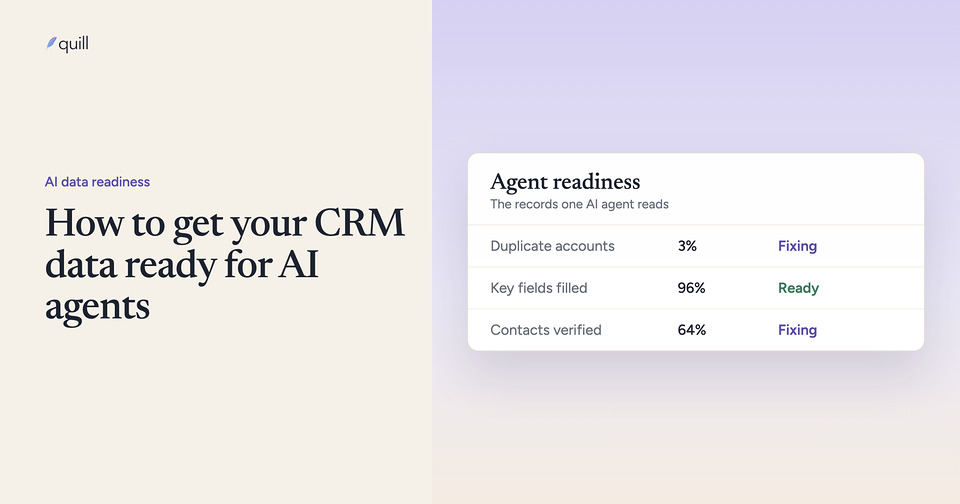
How to get your CRM data ready for AI agents
Scope the work to what each agent reads, then check duplicates, field fill, freshness, and record links in Salesforce or HubSpot before launch and after.
 What is CRM debt, and can AI agents pay it down?
CRM debt is the backlog of duplicates, stale records and unowned accounts nobody fixed. How to measure it and which AI agents can pay it down.
 Agentforce gives wrong answers when accounts are duplicated: what to fix first
Agentforce answers from the Salesforce records its actions return. When one customer is two accounts, it reads half the history. What to fix first.
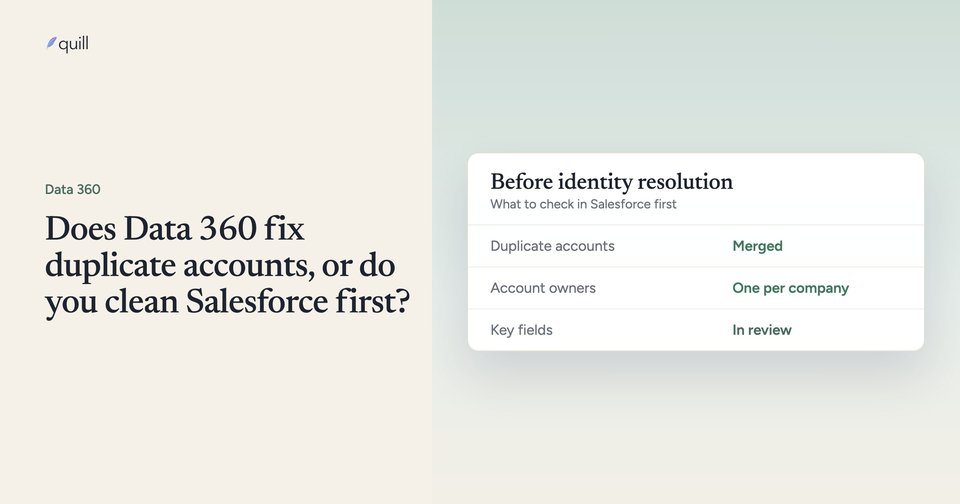
 Does Data 360 fix duplicate accounts, or do you clean Salesforce first?
Data 360 identity resolution links duplicate accounts into a unified profile and leaves the Salesforce records unmerged. What to clean first, and why.
 Agentforce data readiness: what to fix before launch
Agentforce repeats what your Salesforce records say. Fix duplicates, filter fields, stale records, hierarchy, owners, and knowledge before go-live.
 How to connect Claude or ChatGPT to Salesforce and HubSpot
Step-by-step setup for connecting Claude or ChatGPT to Salesforce and HubSpot with their official MCP servers, and what goes wrong when the data is messy.
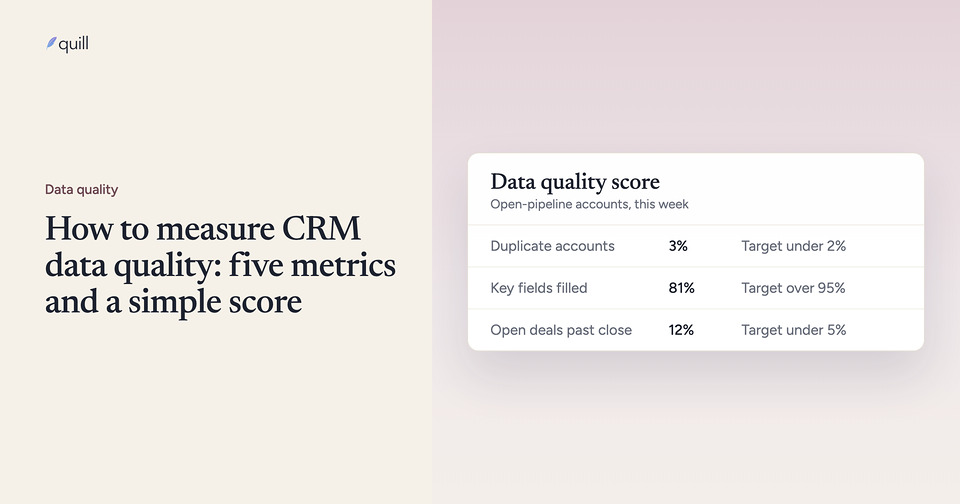
 How to measure CRM data quality: five metrics and a simple score
CRM data quality metrics (duplicates, fill rate, consistency, freshness, linkage), where to find each in Salesforce and HubSpot, and how to score them.
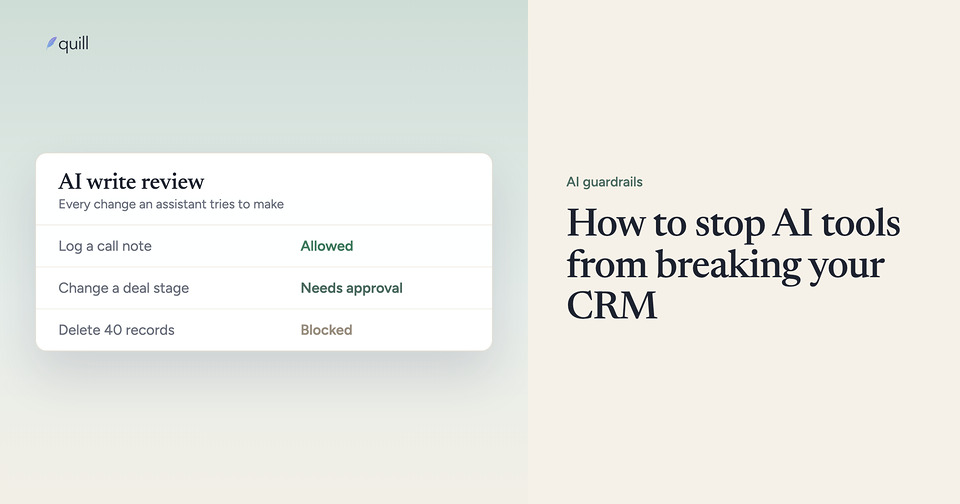
 How to stop AI tools from breaking your CRM
Give AI tools the narrowest CRM access, enforce your RevOps rules on every write, send risky changes to a person, and log what changed. Seven steps.
 Why AI SDRs email the wrong people, including your own customers
Duplicate customer and prospect records, missing domains, and stale contacts send AI outbound to your own customers. What to fix before the agent sends.
What is CRM debt, and can AI agents pay it down?
CRM debt is the backlog of duplicates, stale records and unowned accounts nobody fixed. How to measure it and which AI agents can pay it down.
Agentforce gives wrong answers when accounts are duplicated: what to fix first
Agentforce answers from the Salesforce records its actions return. When one customer is two accounts, it reads half the history. What to fix first.
Does Data 360 fix duplicate accounts, or do you clean Salesforce first?
Data 360 identity resolution links duplicate accounts into a unified profile and leaves the Salesforce records unmerged. What to clean first, and why.
Agentforce data readiness: what to fix before launch
Agentforce repeats what your Salesforce records say. Fix duplicates, filter fields, stale records, hierarchy, owners, and knowledge before go-live.
How to connect Claude or ChatGPT to Salesforce and HubSpot
Step-by-step setup for connecting Claude or ChatGPT to Salesforce and HubSpot with their official MCP servers, and what goes wrong when the data is messy.
How to measure CRM data quality: five metrics and a simple score
CRM data quality metrics (duplicates, fill rate, consistency, freshness, linkage), where to find each in Salesforce and HubSpot, and how to score them.
How to stop AI tools from breaking your CRM
Give AI tools the narrowest CRM access, enforce your RevOps rules on every write, send risky changes to a person, and log what changed. Seven steps.
Why AI SDRs email the wrong people, including your own customers
Duplicate customer and prospect records, missing domains, and stale contacts send AI outbound to your own customers. What to fix before the agent sends.
See what we find in your data
It starts with a 15-minute call. Then we run a diagnostic, show you the issues in your data, and build agents for them.
Prefer email? Reach us at hello@tryquill.com. We respond to every message personally.
Tell us what's broken
One last step
Everything you entered is filled in below. Pick where you'd like to send it from.